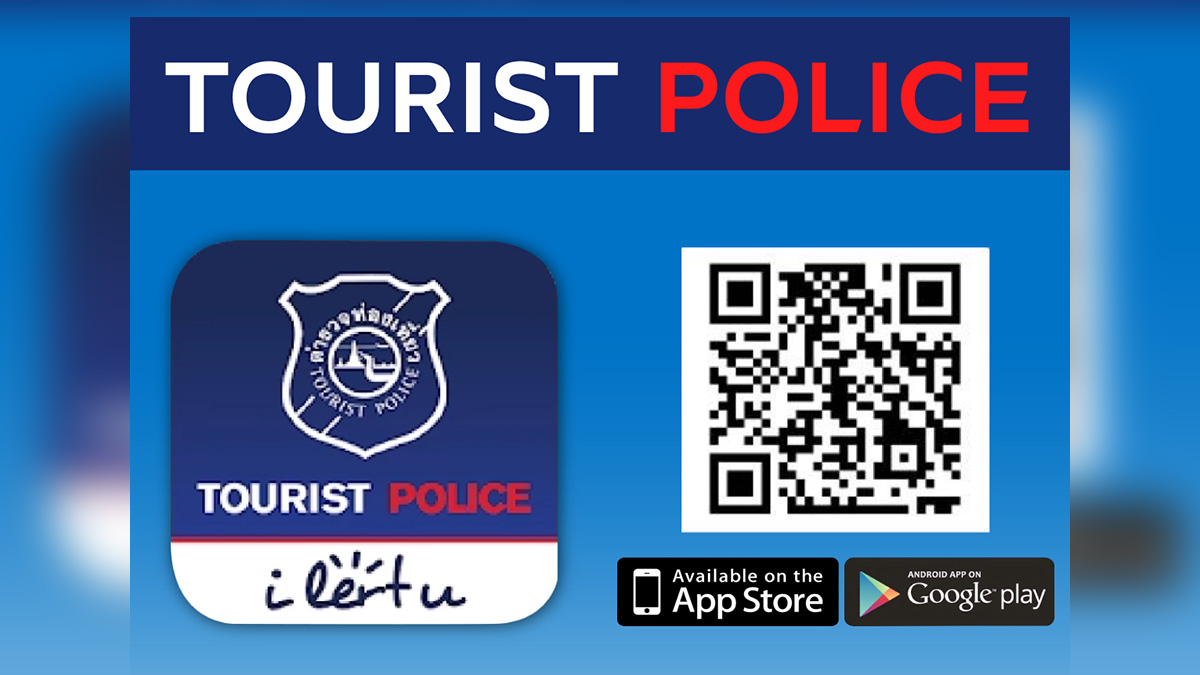
If Thailand is clearly a safe country to visit, it is always better to be ready in case you encounter a difficult situation or if you feel in danger.
Thailand is a welcoming destination for travelers, but emergencies can happen anywhere.
Whether you run into an issue with a local vendor, a taxi, get lost off the beaten path, or face a medical emergency, having direct access to assistance is essential.
The official Thailand Tourist Police “I Lert U” app serves as your digital lifeline while exploring the Land of Smiles.
Why Download the Tourist Police App?
Unlike standard emergency services where language barriers can cause crucial delays, the Tourist Police division in Thailand is specifically trained and equipped to assist international visitors.
-
GPS-Enabled Emergency Alerts:
Pressing the emergency dispatch button automatically sends your exact GPS coordinates to the Tourist Police War Room, allowing officers to locate you immediately even if you do not know where you are. -
Multilingual Support:
The app connects directly to dispatchers and interpreters fluent in English, Chinese, Japanese, Russian, and several other languages. -
Photo & Information Sharing:
You can upload photos of your location, vehicle license plates, or documents directly through the app to provide immediate context during an incident. -
24/7 Operations Room Dispatch:
Reports sent via the app trigger immediate action from nearby Tourist Police patrol units or local first responders. -
Mediation Assistance:
Beyond major emergencies, Tourist Police officers frequently assist with disputes, lost belongings, and taxi issues.
Where to Download the Thai Tourist Police App
The application is completely free and available on both major mobile platforms. Search for “Thailand Tourist Police” or “Tourist Police I Lert U”.
| Platform | Store Link | System Requirements |
| iOS Devices | Apple App Store | iOS 11.0 or later |
| Android Devices | Google Play Store | Android 5.0 or later |
How to Set Up the App: Step-by-Step
Setting up the app before you start traveling ensures you won’t lose precious time during an emergency.
Additional Essential Emergency Contacts in Thailand
While the app is your most effective digital tool, keeping these direct telephone numbers saved on your phone provides a complete safety backup:
-
Tourist Police Hotline: 1155 (24/7 toll-free, English spoken)
-
General Police Emergency: 191
-
Medical Emergency & Ambulance: 1669
-
Fire Department: 199
If your found this article useful, do not hesitate to share it with friends and family.
Support our work: Click Here
Best Travel Insurance: click here
Best VPN for Travel: click here
Have any thoughts?
Share your reaction or leave a quick response — we’d love to hear what you think!
-
 1
-
 0
-
 0
-
 0
-
 0
-
 0